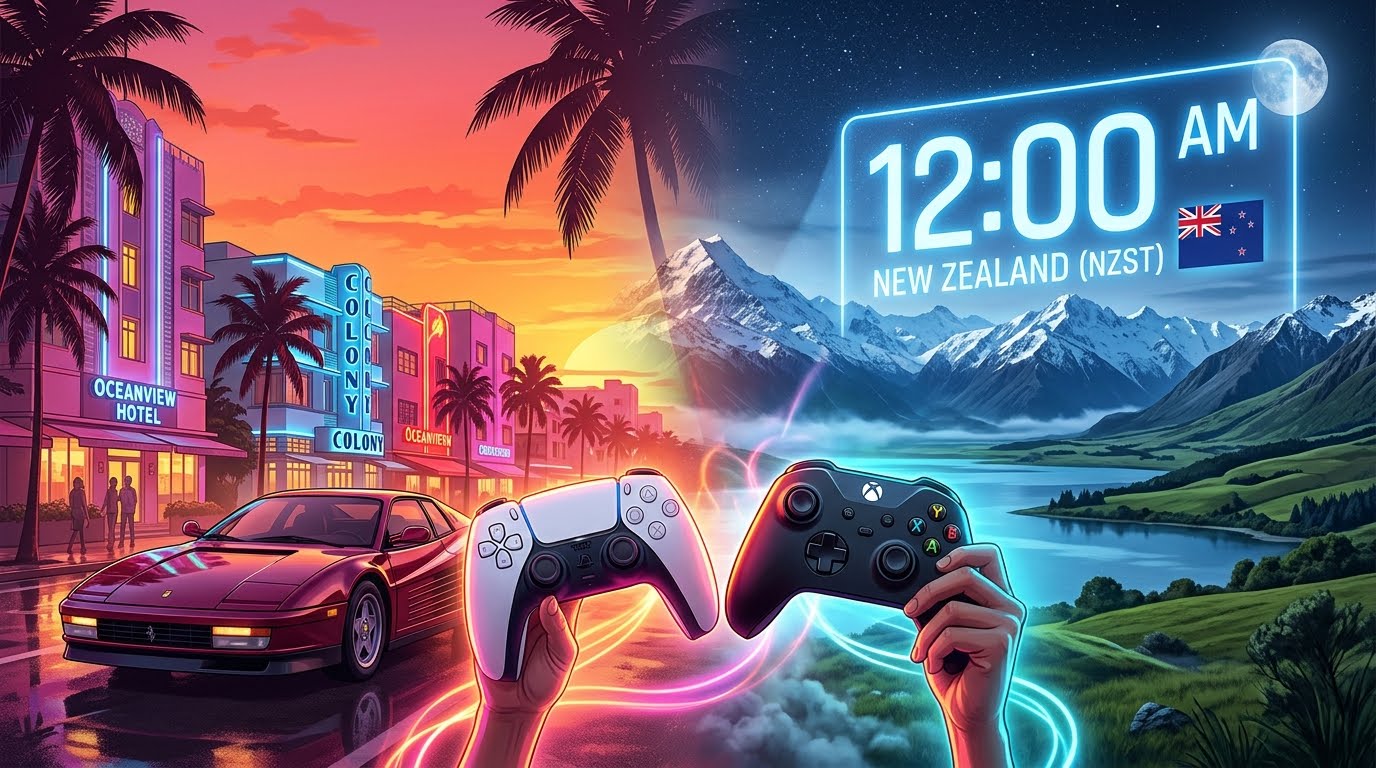
GTA 6 doesn’t unlock at the same moment everywhere. It unlocks at midnight local time on 19 November in each region, and New Zealand is the first country to hit midnight. By making your console think it’s in New Zealand, you can start playing hours before your own country unlocks.
This is a fan trick, not an official feature. Rockstar, Sony or Microsoft could change unlock times or block it at any moment. Try it at your own risk.
When does GTA 6 unlock?
| Region | Local unlock | UK time |
|---|---|---|
| New Zealand | 00:00, 19 Nov | 11:00, 18 Nov |
| Continental Europe (CET) | 00:00, 19 Nov | 23:00, 18 Nov |
| UK | 00:00, 19 Nov | 00:00, 19 Nov |
| US East Coast | 00:00, 19 Nov | 05:00, 19 Nov |
So if you’re in the UK, New Zealand gets the game about 13 hours before you. That’s 11am on Wednesday 18 November instead of midnight that night. In the US the head start is even bigger.
These times come from regional PlayStation Store listings. Xbox hasn’t published unlock times country by country, so treat the Xbox times as likely rather than guaranteed.
Before you start
- Pre-load the game first. The trick only changes when the game unlocks. You still need the full download (up to 212GB) on your console.
- Buy digital. The boxed version contains a download code, so it works the same way once you redeem it.
- Check the time. Don’t bother switching until shortly before 11am UK time on 18 November.
How to play early on Xbox Series X|S
Xbox is the easy one. You keep your own account and your own copy of the game.
- Make sure GTA 6 has finished pre-loading.
- Press the Xbox button and go to Settings → System → Language & location.
- Change Location to New Zealand.
- Choose Restart now when asked.
- After 11am UK time on 18 November, launch GTA 6 from My games & apps.
If it still says “pre-ordered”, wait a few minutes, restart again, and check your internet connection. Unlocks don’t always flip at the exact second.
After you’re in
Once the game is running you can usually switch your location back. Don’t do this mid-session, though: finish playing first. Switch back before buying anything from the Microsoft Store, because prices and payment methods are tied to your region.
How to play early on PS5
PS5 is much harder. On PlayStation, the unlock time follows the country of your PSN account, not your console’s settings. Changing your PS5’s clock or region does nothing.
The only route is to create a New Zealand PSN account and buy the game again on that account.
- Create a new PSN account with its country set to New Zealand.
- Add funds with a New Zealand PlayStation Store gift card. UK cards won’t work on a New Zealand account.
- Sign in to your PS5 with the new account and buy GTA 6 from the NZ store.
- Turn on Console Sharing and Offline Play for that account (Settings → Users and Accounts → Other).
- Download the game, then switch back to your main account. With console sharing on, you can play the NZ copy on your main profile, so your saves stay on your own account.
This means paying for GTA 6 twice. That’s a lot of money for a few hours’ head start, and if Sony moves the unlock time you won’t get it back. For most PS5 players, it’s not worth it.
Is it allowed?
Changing your Xbox region is a normal setting, and players have used the New Zealand trick for big launches for years. That said, platform terms say you should use your real region. Bans for this alone are very rare, but there’s always a small risk, especially for anything online.
Quick summary
- Xbox: pre-load, set location to New Zealand, restart, play from 11am UK time on 18 November.
- PS5: only possible with a second New Zealand account and a second copy. Probably not worth it.
- Everyone else: the UK unlocks at midnight on 19 November. Make sure you’ve pre-loaded!
Planning a launch-night stream or watch party? Check our Launch Day Checklist so you’re fully set up.